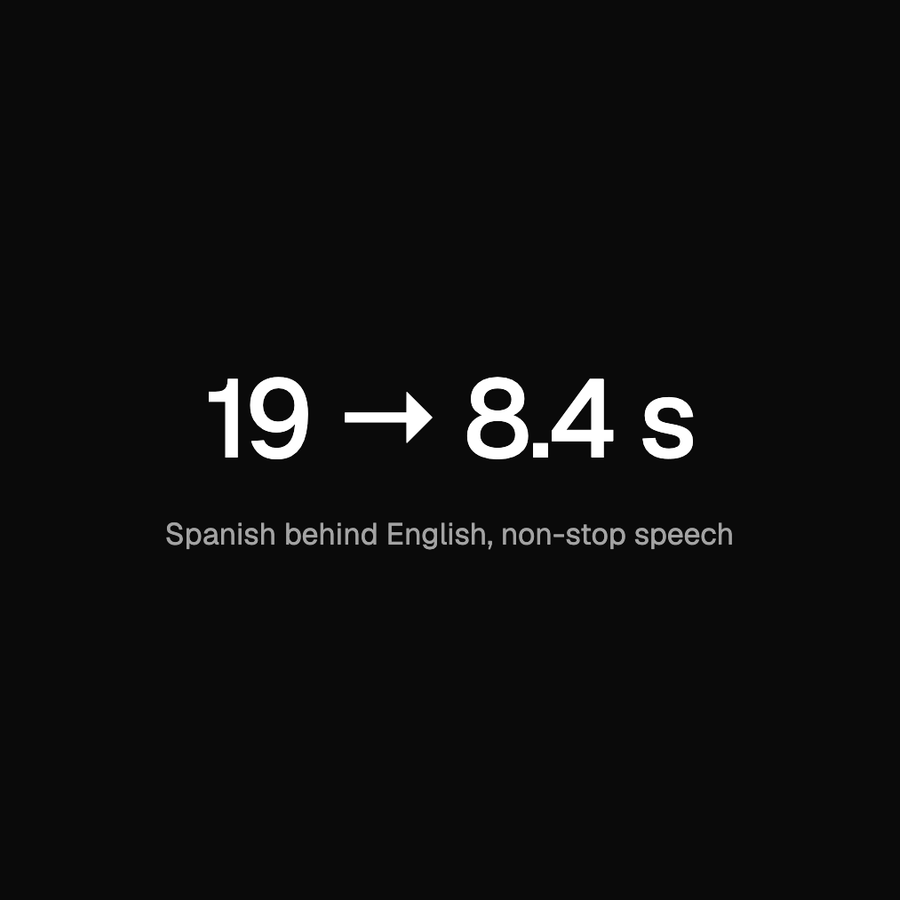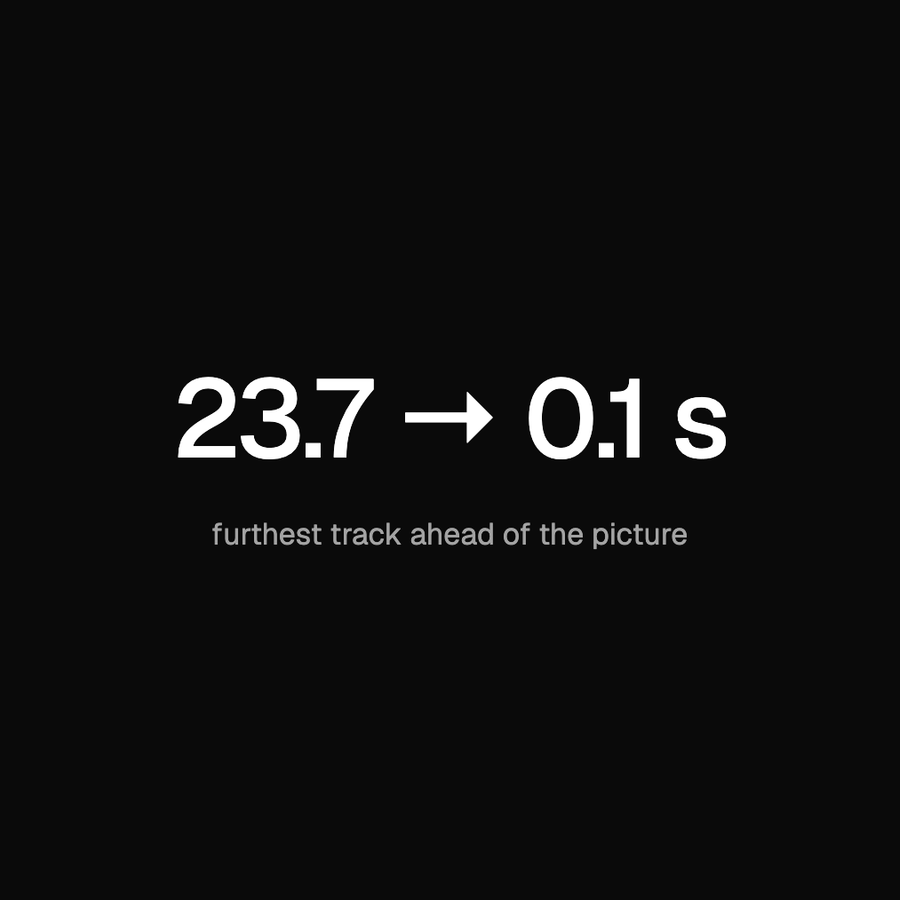
In October, we got a report that a scheduled broadcast had no sound on iPhones. The video played normally. The same stream had sound in desktop Chrome and on Android. And when the broadcast ended, its replay played with sound on those same iPhones.
That last detail was useful. We had audio in the recording, and we had browsers that could play the stream. We needed to find out what was different about the version reaching an iPhone during the broadcast.
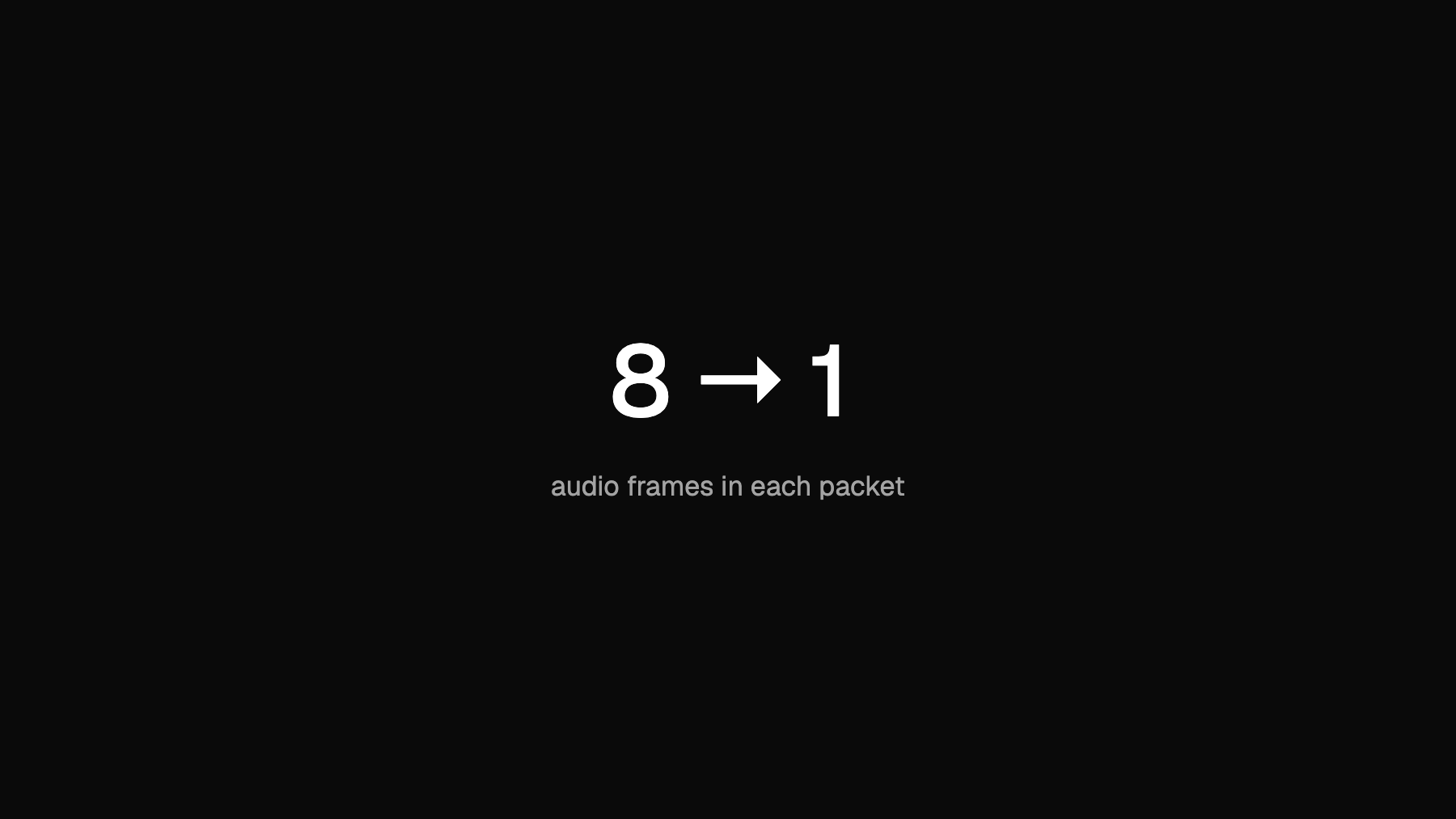
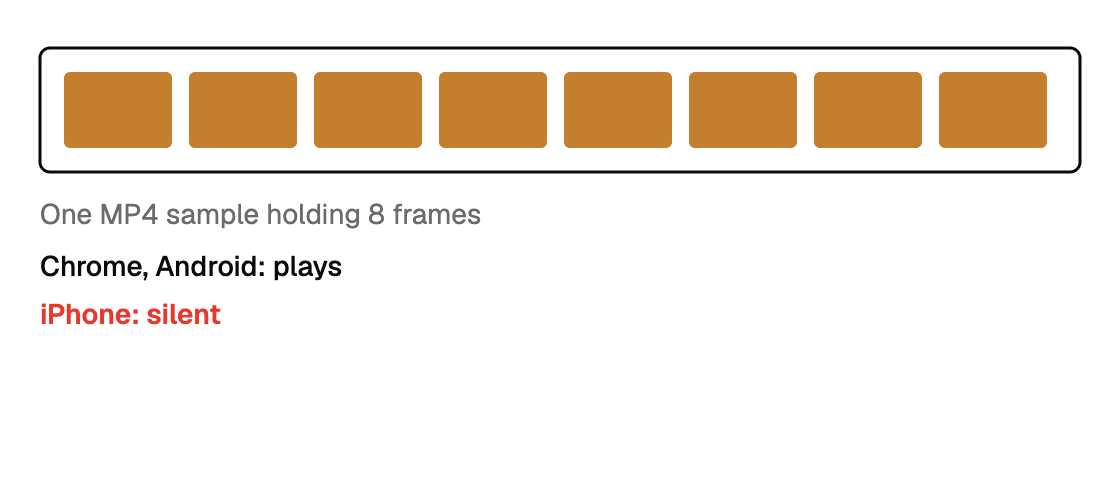
It came down to how we packed the audio. Our stream could put several AAC frames into one MP4 sample. Chrome and Android played it; Apple's decoder rejected it. Two ffmpeg options fixed the packaging, but getting to those options took a closer look at the stream than our usual playback checks gave us.
The live stream and the replay take different paths
Reedapt Live lets a creator upload a recording and schedule it to air later. When it's time, a process we call the mux starts ffmpeg. It reads the prepared file and sends MPEG-TS over SRT to OvenMediaEngine, our open-source media server. OvenMediaEngine packages that feed as HLS for viewers.
An ordinary live broadcast uses ffmpeg's tee output to write two copies: one for the recording and one for the media server. A scheduled broadcast already has a recording, so it only needs the media-server output.
Those commands looked similar enough. They didn't behave the same way.
Scheduled broadcasts had used that single-output path since the feature shipped on 22 September. Until the fix, iPhone viewers on that path were affected. Ordinary live broadcasts were fine, and replays came from a different file, which explains why a replay could work even when the broadcast had been silent.
Counting what was actually in the stream
We fetched the audio rendition of a live test stream: its initialisation segment and a few media segments. Then we used ffprobe to count packets and decoded frames.
ffprobe -count_packets -select_streams a -show_entries stream=nb_read_packets  audio.mp4
ffprobe -count_frames  -select_streams a -show_entries stream=nb_read_frames   audio.mp4
For the output we wanted, those counts should match: one AAC frame per MP4 sample. In the broken stream, we found roughly eight frames for every packet reported by ffprobe.
We could also test the stream against Apple's decoder without using a phone. On a Mac, ffmpeg's aac_at decoder calls AudioToolbox:
ffmpeg -c:a aac_at -i audio.mp4 -f null -Decode error: -50It failed on every packet of the scheduled stream. A normal AAC file decoded cleanly with the same command. That gave us a way to reproduce the decoder failure while we investigated the packaging.
How eight frames became one sample
ffmpeg's MPEG-TS muxer collects AAC frames into a PES packet. It waits until the packet reaches about 2,930 bytes or half the mux delay has passed. With the command-line defaults, that delay isn't zero.
At our bitrate, an AAC frame is a few hundred bytes. Quiet frames can be under 170 bytes. That leaves room for several frames in a packet, especially during quiet passages.
Our media server passes AAC through without re-encoding it. In this path, it wrote each PES packet as one sample in the fragmented MP4 output. A packet containing eight frames therefore became an MP4 sample containing eight frames.
Chrome and Android decoded those samples. Apple's decoder didn't. In the iOS simulator, the player also stalled when we switched the sound on.
The reason ordinary live broadcasts worked was another default. The tee output defaults to a mux delay of zero, so that path was already sending one frame per packet. We hadn't explicitly configured it that way. Switching to a single output for scheduled broadcasts changed the default we were relying on.
Both options were needed
We first tried -pes_payload_size 0. It looked like the option we wanted: stop waiting to fill a packet.
On its own, it didn't solve the problem. Small frames were still bundled together. We also had to set the mux delay to zero:
-max_delay 0 -pes_payload_size 0We applied both options to every feed into the media server, including the live path that already happened to work. One helper builds the single-output arguments, and a constant supplies the equivalent options for a tee branch:
// omeOutput is the MPEG-TS feed OME packages for viewers, with every audio
// frame in a packet of its own.
func omeOutput(url string) []string {
	return []string{"-max_delay", "0", "-pes_payload_size", "0", "-f", "mpegts", url}
}

// omeTeeOptions is omeOutput for one branch of a tee.
const omeTeeOptions = "f=mpegts:max_delay=0:pes_payload_size=0"
Call sites that previously built "-f", "mpegts", url now use the helper. A unit test checks that feeds into the media server include both options.
Checking quiet audio too
The local test clip contained three seconds of silence followed by five seconds of synthesised speech, encoded as 64 kb/s AAC. We counted PES packet starts on the audio stream in the transport output, using ffmpeg 9.0.2.
| Setting on the feed | Audio frames | PES packets | Frames per packet | How measured |
|---|---|---|---|---|
| ffmpeg defaults | 347 | 24 | 14.5 | Local test, 8 s clip, ffmpeg 9.0.2 |
| -pes_payload_size 0 only | 347 | 227 | 1.5 | Same clip |
| -max_delay 0 -pes_payload_size 0 | 347 | 347 | 1.00 | Same clip |
The default result here is higher than the roughly eight frames per packet we found in the live test stream. Our earlier local runs ranged from seven to seventeen. Frame sizes and input pacing change how much gets bundled, so eight isn't a fixed property of the bug.
With both options, the count in this test was exactly one frame per packet.
 BeforeAfter
We deployed the fix on 13 October and checked playback in the iOS simulator and with Apple's decoder on a Mac.
| Check | Result | How measured |
|---|---|---|
| Apple decoder on a Mac, stream before the fix | Decode error: -50 on every packet | Tested, live test stream |
| Frames per packet after the fix | 1.00 | Tested, local, and by unit test on the arguments |
| iPhone playback after the fix | Plays with sound | iOS simulator and Apple's decoder |
More packets means more overhead
Giving every frame its own PES header uses more space. MPEG-TS also pads output into whole 188-byte transport packets. On the eight-second audio-only clip, the output grew from about 60 KB to about 133 KB:
ffmpeg -i clip.m4a -c:a copy -f mpegts default.tsffmpeg -i clip.m4a -c:a copy -max_delay 0 -pes_payload_size 0 -f mpegts fixed.tsstat -f '%z bytes %N' default.ts fixed.ts60536 bytes default.ts
133292 bytes fixed.tsThat's a substantial increase for this audio-only sample. In a broadcast with video, audio accounts for a much smaller share of the total, but the overhead is still there.
The check we were missing
We didn't have a test that ran our stream through an Apple decoder. A playback check in Chrome passed, even with the broken packaging. We had also checked replays on whatever phones people had available, but a working replay didn't tell us whether this scheduled-stream path worked.
We tried getting a signal from Web Audio on the iPhone itself. In our tests, createMediaElementSource with an analyser returned zero even when audio was playing normally. We couldn't use it to distinguish silence from working playback. That's also why we hide the “Stable volume” control on iPhone.
For changes to this audio path, we now start with frame and packet counts, run the Apple decoder check, and test in the simulator. The argument test guards the two options; the decoder and playback checks tell us what the output actually does.
The counts in this post come from ffprobe on a test stream and our transport-stream parser for the local table. The simulator check compared playback time while muted and after unmuting.