История изменений
Что нового в Reedapt
Всё, что мы выпускаем, — сразу после выхода.
- Улучшено · Редактор
Более простой редактор: сначала смотрите, потом правьте реплики прямо на месте
Теперь дубляж открывается сразу для просмотра: сценарий рядом, а скачать можно в один клик. Если что-то нужно поправить, в режиме редактирования вы меняете реплики прямо на месте и переозвучиваете их все сразу.
- Watch plays your dub (or the original) with the script following along. Click a line to jump to it, or its pencil to fix it.
- Download hands over your file at once when nothing has changed, and adds your latest changes first when something has.
- Edit lines in place, change the speaker of several lines together, and redo them in one go. Each line shows how its redo is going, with Retry if one doesn't go through.
- Choose another voice for a speaker, including a standard voice instead of their cloned one, and hear how they sound.
- Redoing one line is much faster on long videos.
- Новое · Live
Live: one link for all your broadcasts
Your channel has one link that opens your broadcast whenever you're live, so you can print its QR code once and use it every week. Languages now show in their own words, and viewers can switch to theirs with one tap.
Open Live- One link per channel: reedapt.live/@your-channel/live. While you're live it opens the broadcast; in between it shows your channel and brings viewers in the moment you start. It never opens an old broadcast.
- Share now includes a QR code for that link, as a PNG or SVG ready to print. You'll find both under Share on your channel page.
- Languages are named in their own words (Français, 中文, العربية), and a viewer whose phone is set to one of your languages is offered it with one tap.
- Broadcasts without a title are named by their day, like “Live broadcast · Sunday 12 Oct”.
- On big screens Live now uses the whole screen: more videos per row and a bigger player.
- Новое
A new look for Reedapt
A new reedapt.com, dark mode everywhere, and you choose which cookies we use.
- Every page of reedapt.com is new. On the home page you can hear a real dub: The Winlos’ “my money” skit, in English and in French.
- Pick dark mode once and Reedapt follows it everywhere: the site, your dubs and the editor, Live and Explore.
- Choose what we measure any time from Privacy settings at the bottom of the site.
- When we plan maintenance, a bar at the top of Reedapt tells you before it happens.
- After your first dub, a short survey adds 10 free minutes. Nearly out? Top up 15 minutes for $2, to use within 30 days.
- If something stops you signing in, we now say what.
- Новое
Talk to us from anywhere in Reedapt
Found a bug, have an idea, or got stuck? Tap Feedback in the corner to reach the people who build Reedapt. Send a screenshot if it helps, and our replies show up right there.
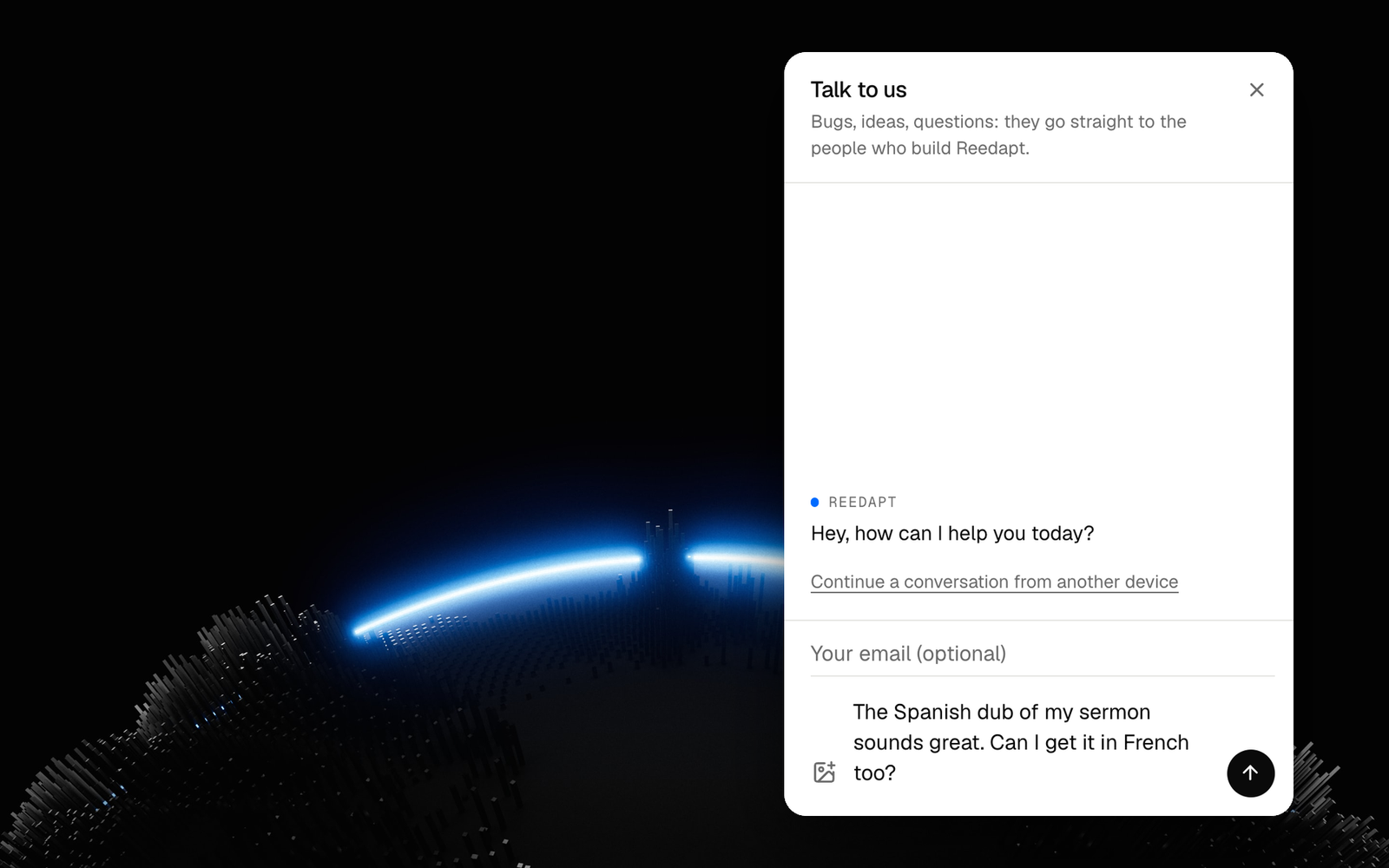
- Open it from Feedback in the corner, from Send feedback in your account menu (under More on a phone), or from Talk to us at the bottom of the site.
- Add up to three images with the image button, by pasting, or by dropping them onto the chat.
- Replies show up in the chat, and a dot on the Feedback button tells you one is waiting.
- Every conversation stays in your list. A resolved one stays readable, and writing again starts a new one.
- On another device? Ask for a link by email and your conversations come with you.
- Улучшено · Дубляж
A quicker way around your dubs
Home now opens on your latest dubs, New dub has one place at the top of the sidebar, and Projects has search and filters. From ⋯ on a finished dub, dub it into another language or rename it.
- Your dubs come first: Home now opens on your latest dubs. Watch, download or try again right from the list.
- One place to start a dub: New dub sits at the top of the sidebar, and at the bottom of the screen on phones. The upload page is simpler: pick a file, check the details, start.
- Find any dub fast: Projects has filters and search, and tells you before a dub is deleted.
- Dub again, or rename: from ⋯ on a finished dub, dub it into another language without uploading it again, or give it a name.