Say you run a course platform. An instructor uploads a lesson in English, and you want to offer it in French and Spanish. You could download the video, upload it to Reedapt, and bring the dubbed files back when they're ready. That's fine for one lesson. It's less fine when there are new lessons every week.
That's where the Reedapt API comes in. Your server can send us the video as soon as it's uploaded. We dub it in the languages you request, keeping the instructor's voice, and tell your server when each version is ready. Your app decides what happens next. Maybe the French version goes straight into the course. Maybe someone on your team listens to it first.
What happens after you send a file?
You can upload the file or give us a public HTTPS link. The API starts a separate dub for each language you request. If French finishes before Spanish, you can work with the French version without waiting for the other one.
You don't have to keep checking whether a dub is done. Reedapt can send a signed webhook when it finishes or fails. If you're trying this out from a script, though, waiting for the result there is fine.
The dubbed file isn't the only thing you can get back. There are transcripts with speaker labels and timings, plus SRT or WebVTT subtitles. For audio-only projects, you can also get the dubbed voices and background sound as separate files.
Start with one video
Open Developers in Reedapt and create a test key. It's free with a confirmed email. A test key dubs the first 60 seconds of a video and adds a watermark, so you can see the flow through to a finished file without using any plan minutes.
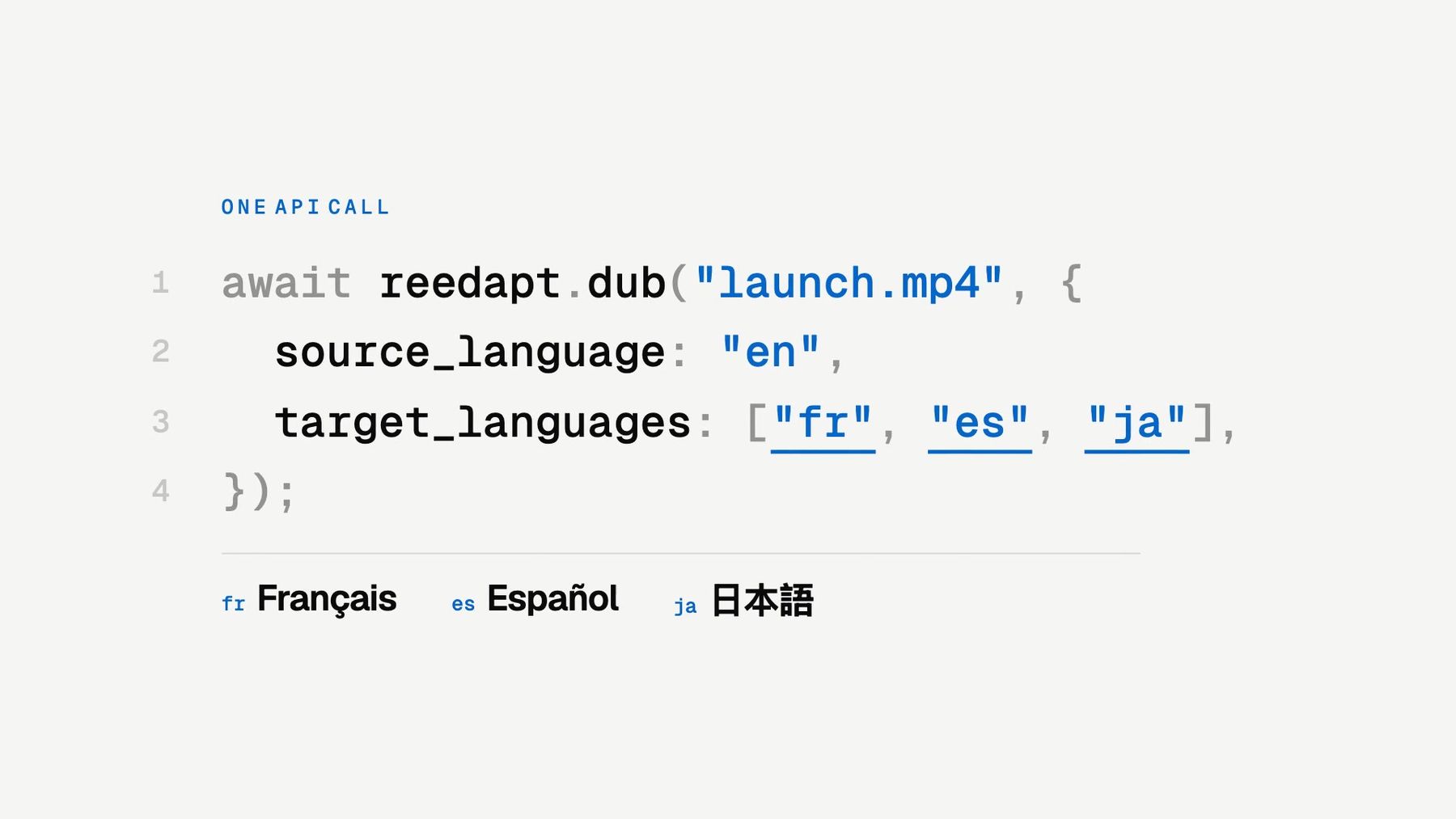
There are SDKs for Node.js and Python. Here's what starting a French dub looks like on a Node.js server after installing reedapt and setting REEDAPT_API_KEY:
import Reedapt from "reedapt";

const reedapt = new Reedapt();
const { dubs, refused } = await reedapt.dub("./lesson.mp4", {
  source_language: "en",
  target_languages: ["fr"],
});

console.log({ dubs, refused });That starts the job; it doesn't wait for the finished video. The quickstart walks through getting the file back.
When you're ready to dub whole files, every paid plan includes live keys. Live dubs use your plan's minutes, and requests for multiple languages at once need a plan with bulk dubbing. Test keys are video-only; live keys also work with audio.
If there's a file you've been meaning to translate, start with that. You'll have a better feel for where the API fits after one real dub than after reading a list of endpoints.