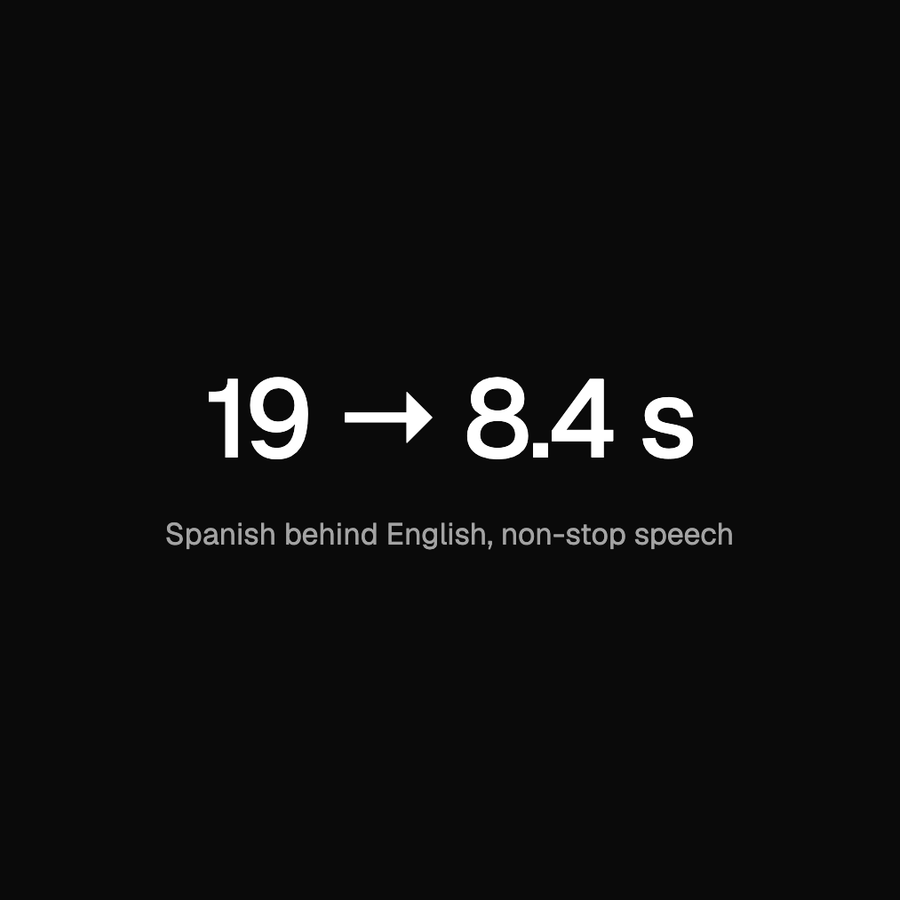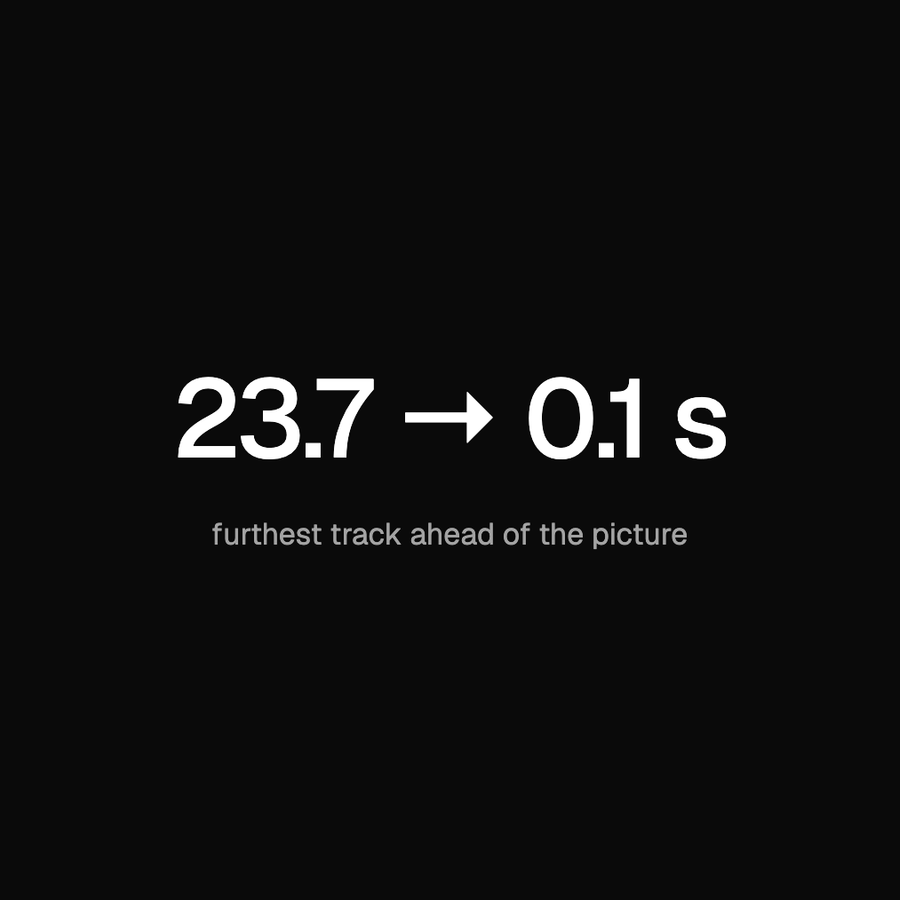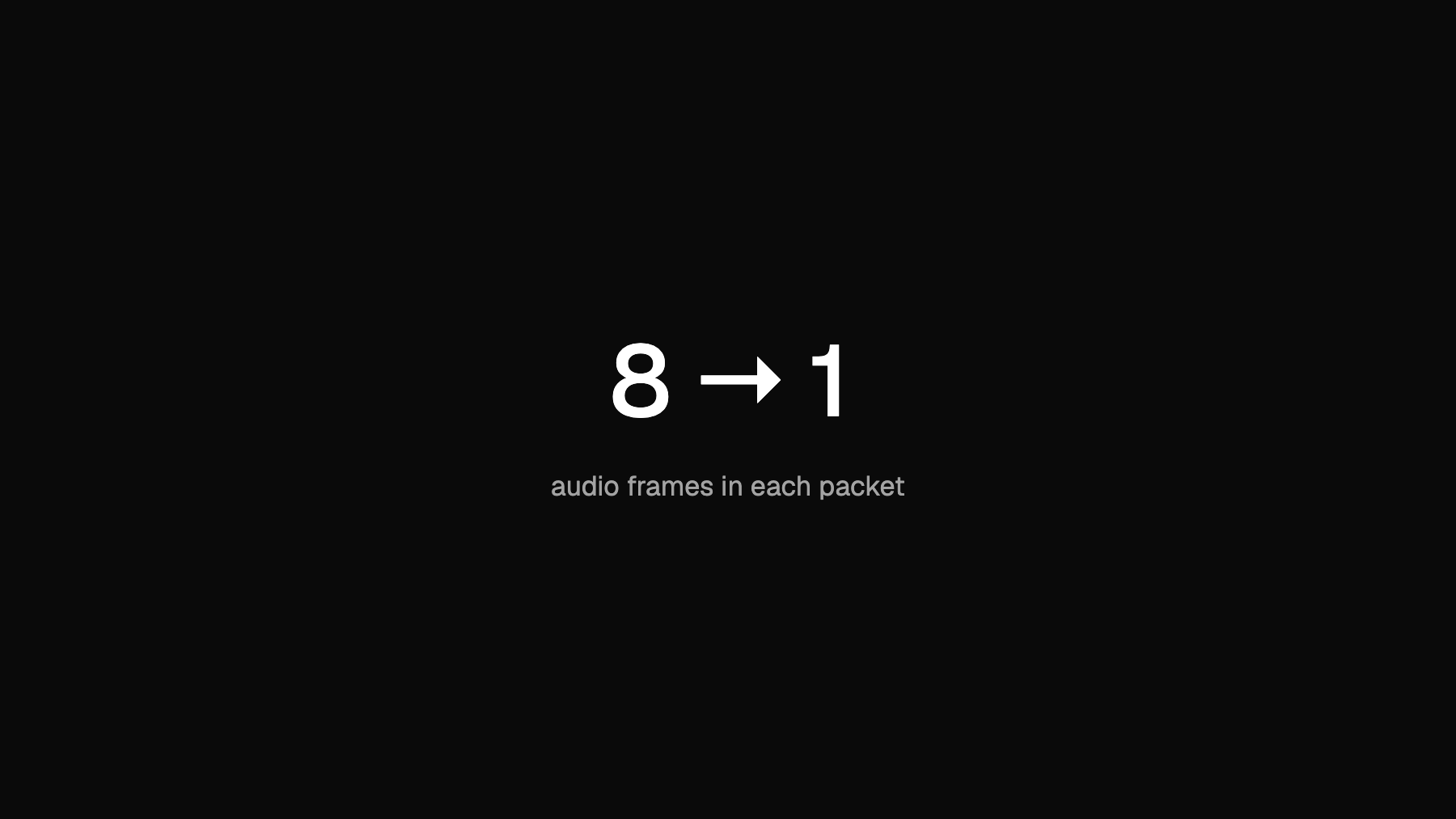
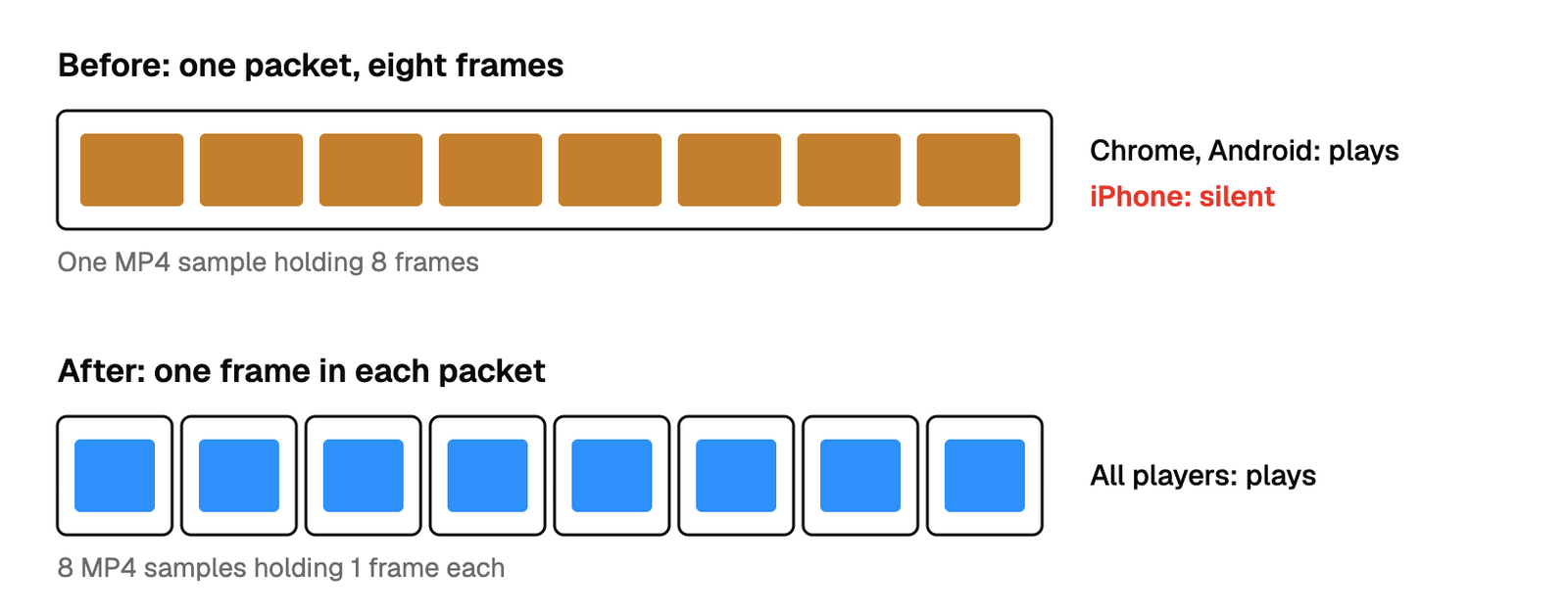
In October a scheduled broadcast on Reedapt Live played with sound in Chrome and on Android, and in silence on iPhones. The replay afterwards played fine on the same phones. The cause was a packaging detail: ffmpeg's MPEG-TS muxer put about eight AAC audio frames into each packet, our media server wrote each packet as a single MP4 sample, and Apple's audio decoder rejects any sample that holds more than one frame. We now ask ffmpeg for one frame per packet on every feed to the media server, and the count went from roughly 8 (7 to 17 in our local runs) to exactly 1. The fix was deployed on 13 October. We checked it in the iOS simulator and with Apple's decoder on a Mac.
How a scheduled broadcast reaches a phone
A creator can upload a recording and schedule it to air at a set time, as if it were live. At air time, a process we call the mux starts ffmpeg. ffmpeg reads the prepared file and sends it as MPEG-TS over SRT to our media server, OvenMediaEngine, which is open source. The media server cuts the stream into HLS segments, and the player on the viewer's device fetches those.
An ordinary live broadcast takes a slightly different route inside the mux. It writes two copies at once with ffmpeg's tee output: one to a file for the recording, one to the media server. A scheduled broadcast has no recording to make, so it has one output. That difference turned out to matter.
What we saw
The report was short: no sound on iPhones while a scheduled broadcast aired. Nothing was wrong with the video, and the replay, which is built from a different file, had sound. Ordinary live broadcasts were fine. Scheduled broadcasts use this single-output path from the day the feature shipped (22 September), so every scheduled broadcast on that path was affected for iPhone viewers until the fix.
Desktop Chrome and Android played the same stream with sound, so the audio itself was present and decodable by some players. That pointed at how the audio was packaged, not at the audio.
Finding the packet
We pulled the audio rendition of a live test stream from the media server (the initialisation segment and a few media segments) and compared two counts from ffprobe: packets and frames.
ffprobe -count_packets -select_streams a -show_entries stream=nb_read_packets  audio.mp4
ffprobe -count_frames  -select_streams a -show_entries stream=nb_read_frames   audio.mp4
In a healthy stream the two numbers match: one AAC frame per MP4 sample. In the broken stream there were about eight frames for every packet.
Then the check that mattered. On a Mac, ffmpeg can decode with Apple's own AAC decoder (aac_at, which calls AudioToolbox):
ffmpeg -c:a aac_at -i audio.mp4 -f null -On the scheduled stream this failed on every packet with Decode error: -50. A normal AAC file decoded cleanly with the same command. So the Apple decoder was refusing the stream, which is what an iPhone's Safari uses, and Chrome was decoding it without complaint.
The mechanism
Three facts combine.
- ffmpeg's MPEG-TS muxer collects AAC frames into a PES packet until the packet reaches about 2,930 bytes or until half of the mux delay has passed. On the ffmpeg command line the default mux delay is not zero. An AAC frame at our bitrate is a few hundred bytes, and a frame of quiet audio can be under 170, so one packet holds many frames.
- The media server passes AAC through without re-encoding, and writes each PES packet as one sample in the fragmented MP4 it serves.
- Chrome and Android decode a sample that contains several frames. Apple's decoder does not. On an iPhone the video plays, the audio produces nothing, and in the simulator the player stalled once sound was switched on.
Why only scheduled broadcasts? A tee output defaults to a mux delay of zero, so the live path, which uses tee, already wrote one frame per packet. Nobody had asked for that. It was a side effect of a default, and the single-output path had the other default.
What we tried and why it lost
Only -pes_payload_size 0. This looked like the direct fix, since it tells the muxer not to fill packets. It was not enough. In our local test it still bundled frames whenever they were small. Quiet passages are made of small frames, so the packets there stayed multi-frame. The mux delay has to be zero as well.
Setting the options only on the scheduled path. That would have fixed the bug that was reported. We rejected it because the live path was only correct by accident. We now set -max_delay 0 -pes_payload_size 0 explicitly on every feed to the media server, in both the single-output and the tee form, and a unit test fails if any feed to the media server is built without them.
Using the browser's audio analyser to test on iPhone. We wanted a number from the page itself. Reading the player through Web Audio (createMediaElementSource plus an analyser) returns zero on iPhone even when sound is playing normally, so a zero proves nothing. It is also the reason we hide the "Stable volume" control on iPhone. The test we trust is the frame count plus the Apple decoder run, and then the simulator.
We did not look at changing the media server. The fix on our side was two flags.
What we built
One function builds the output arguments for anything that goes to the media server:
// omeOutput is the MPEG-TS feed OME packages for viewers, with every audio
// frame in a packet of its own.
func omeOutput(url string) []string {
	return []string{"-max_delay", "0", "-pes_payload_size", "0", "-f", "mpegts", url}
}

// omeTeeOptions is omeOutput for one branch of a tee.
const omeTeeOptions = "f=mpegts:max_delay=0:pes_payload_size=0"
Every call site that used to say "-f", "mpegts", url now calls this.
The numbers
| Setting on the feed | Audio frames | PES packets | Frames per packet | How measured |
|---|---|---|---|---|
| ffmpeg defaults | 347 | 24 | 14.5 | Local test, 8 s clip, ffmpeg 9.0.2 |
| -pes_payload_size 0 only | 347 | 227 | 1.5 | Same clip |
| -max_delay 0 -pes_payload_size 0 | 347 | 347 | 1.00 | Same clip |
The clip was 3 s of silence followed by 5 s of synthesised speech, encoded as 64 kb/s AAC, and the packets were counted by parsing the transport stream for packet starts on the audio stream. The default row is higher than the figure of about 8 that we saw on a live test stream, and our first local runs gave 7 to 17 depending on content. The count depends on how big the frames are and how fast ffmpeg reads its input, so we do not claim one universal number. What does not vary is the result with both flags: exactly one.
| Check | Result | How measured |
|---|---|---|
| Apple decoder on a Mac, stream before the fix | Decode error: -50 on every packet | Tested, live test stream |
| Frames per packet after the fix | 1.00 | Tested, local, and by unit test on the arguments |
| iPhone playback after the fix | Plays with sound | iOS simulator and Apple's decoder |
What this costs us
Packets get bigger in total. Every frame now has its own PES header and is padded out to whole 188-byte transport packets. On the 8 s audio-only clip above, the transport stream grew from about 60 KB to about 133 KB. Audio is a small share of a broadcast with video, where the video stream is far larger.
What we got wrong
We had no test that played our own stream through an Apple decoder. Chrome decodes the broken stream, so a check in Chrome would pass. Replays had always been checked by people, on whatever phone they had. The frame-per-packet test and the Apple decoder run are now the checks we reach for first on any change to the audio path.
How we measured, and what we left out
Frame and packet counts come from ffprobe on the audio rendition of a test stream, and from our own parsing of a transport stream for the local table. The Apple decoder check is ffmpeg -c:a aac_at on a Mac. The simulator check drives Safari in the iOS simulator and compares the player's current time while muted and after tapping the unmute control. Details that identify a creator, an event, a viewer or an account are left out on purpose, and so are our server addresses.